Native Vs Supported Resolution Projector Listings Uk
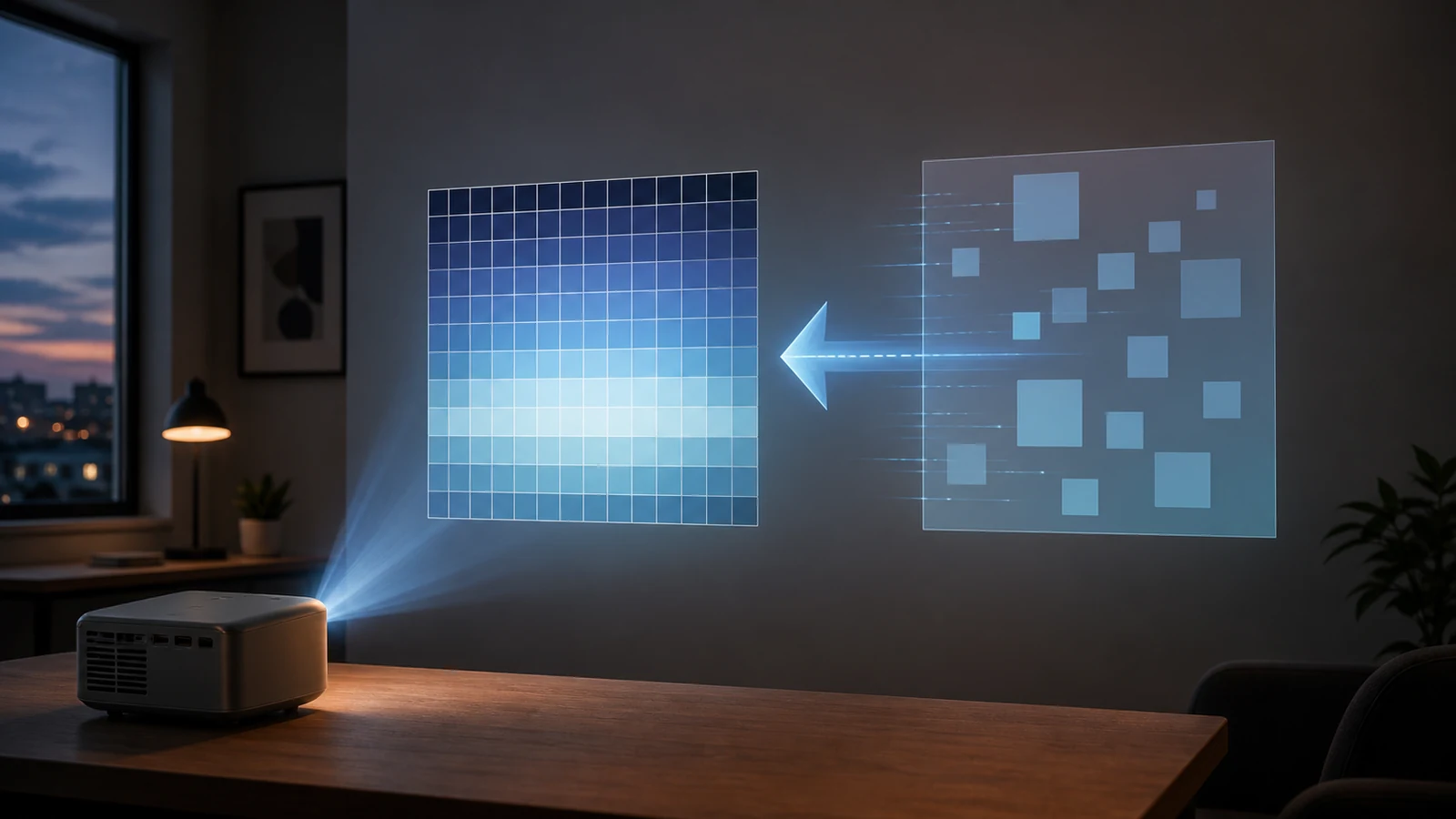
Direct answer: native resolution is the projector panel’s real pixel count. Supported resolution means the projector can accept that input signal and may downscale it. A projector can support 4K input without being a native 4K projector.
Read the listing in this order
Resolution wording is powerful because buyers anchor on the biggest number in the title. Magcubic defines native resolution as physical pixels on the display chip and supported resolution as the maximum input the projector can accept: Magcubic’s native vs supported resolution explainer.
- Find native or panel resolution first; this is the real sharpness ceiling.
- Then read maximum supported input; this is compatibility, not final detail.
- Check image size claims because bigger walls expose low native resolution faster.
- Check brightness and room conditions.
- Check returns and warranty wording if expectations are unclear.
Plain-English example
If a laptop sends a 4K video to a projector whose native panel is 1280 x 720, the projector may accept the signal but still display only what the 1280 x 720 panel can show. The benefit is source compatibility, not full 4K wall detail.
Decision table
| Listing phrase | Usually means | Action |
|---|---|---|
| Native 720p | Real panel class | Judge for small dark-room films, not fine text |
| Supports 4K | Input compatibility | Do not treat as native 4K |
| No native line | Missing key evidence | Ask before buying or choose a clearer listing |
Conditional next step
If you are comfortable with a bedroom-class projector after checking native resolution, brightness and room fit, HomeProje’s product page can be reviewed as one candidate: view the current HY300 product page. Pair it with ANSI lumens vs marketing lumens.