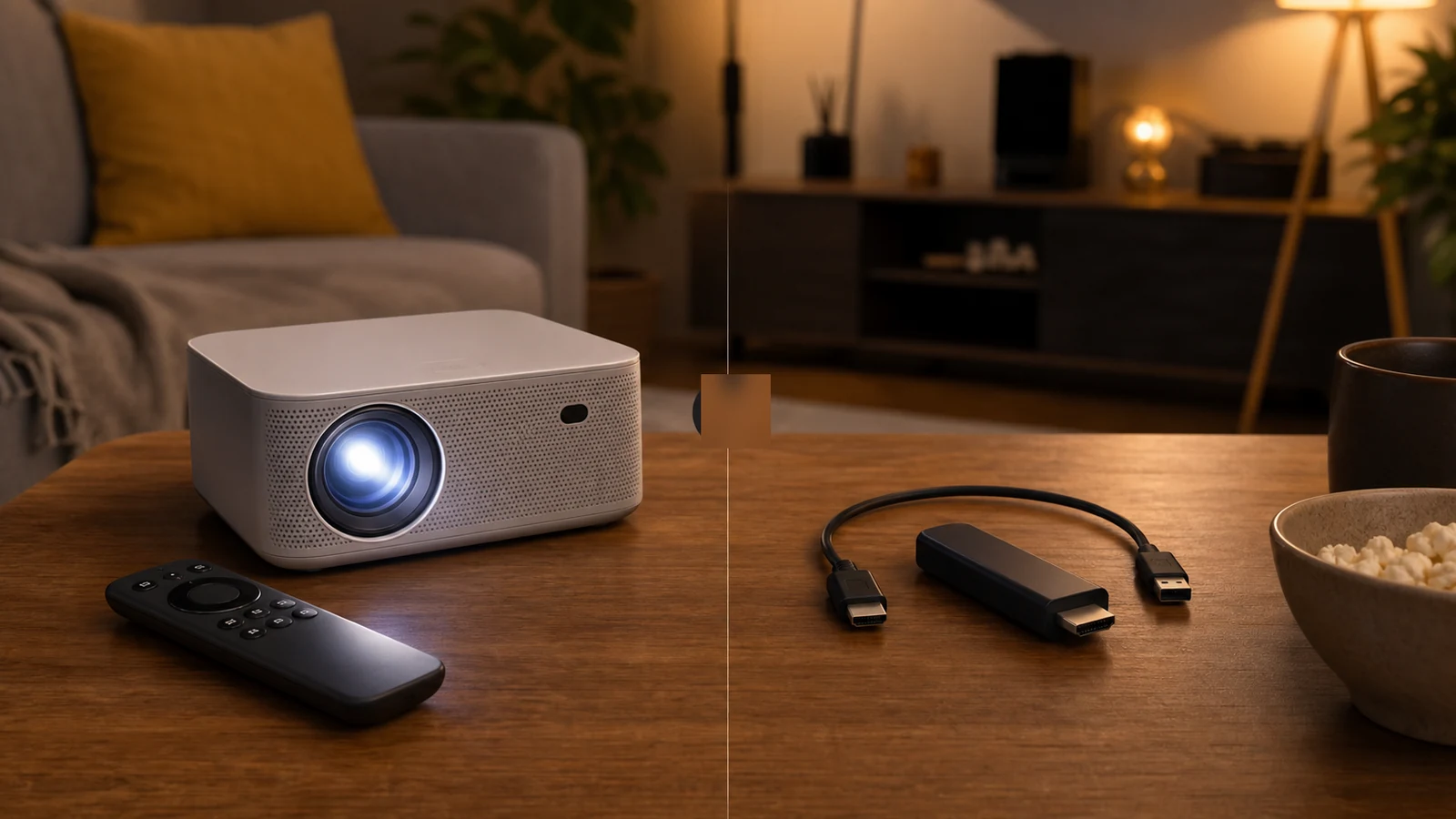
Google Tv Vs Generic Android Projector Streaming Uk
Direct answer: an “Android projector” is not automatically the same thing as a licensed Google TV or Android TV streaming device. Before buying, decide whether you need native remote-only apps, whether casting is acceptable, or whether you should budget for an HDMI streaming stick from the start.
Why the wording trips people up
A listing may say Android, app support, wireless casting or Netflix-compatible, but those phrases can describe different paths. The problem is expectation: a buyer imagines a normal TV-style remote experience, then finds the reliable route is phone casting, browser playback, sideloading or an external stick.
A UK projector guide distinguishes smoother licensed Google TV and Netflix routes from cheaper models with vaguer streaming claims: Gadget Scout UK’s mini projector guide.
Decision table
| Path | Best for | Check first |
|---|---|---|
| Licensed Google TV / Android TV | Remote-first households | Named platform and app availability |
| Generic onboard Android | Budget buyers who accept limits | Native app wording, updates and recent questions |
| HDMI streaming stick | Reliability-first buyers | HDMI access, power and audio route |
Who should not rely on built-in smart
If you need paid streaming apps to work from the projector remote every time, without a phone or workaround, do not rely on a generic “Android” phrase. Choose a clearly licensed TV platform or treat the projector as a display and use a known HDMI streaming device.
Next check
Streaming is only one risk. Also verify whether “4K support” is input compatibility or real pixels: native vs supported resolution in projector listings.